Beautiful App Store
Screenshots in Minutes
Design stunning screenshots for the App Store and Play Store. Device frames, templates, multi-language support, and more. All in one desktop app.
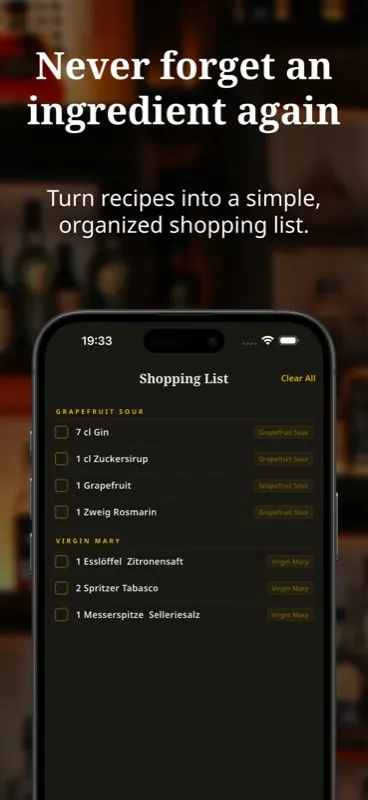
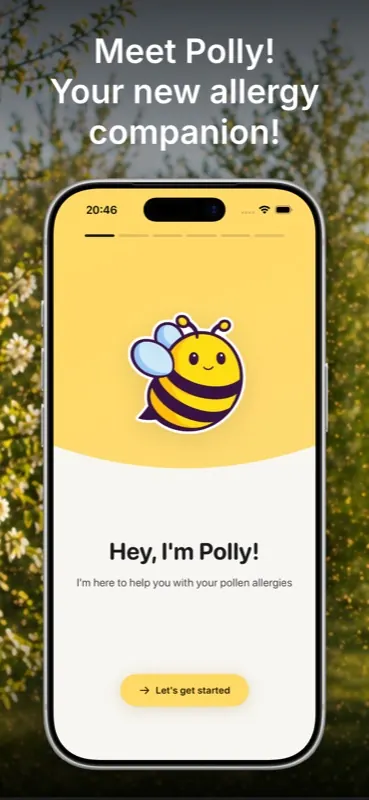
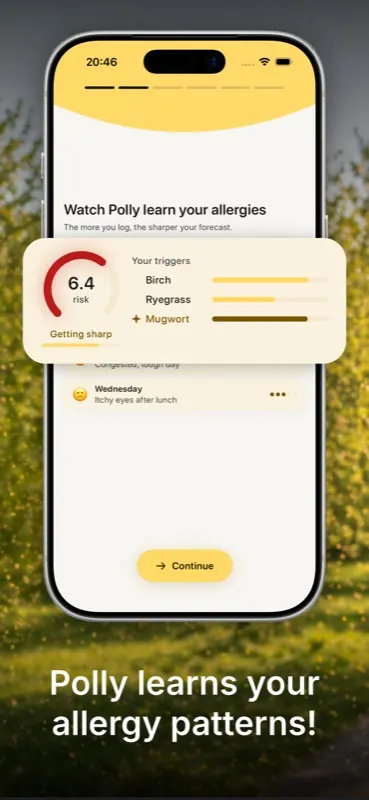
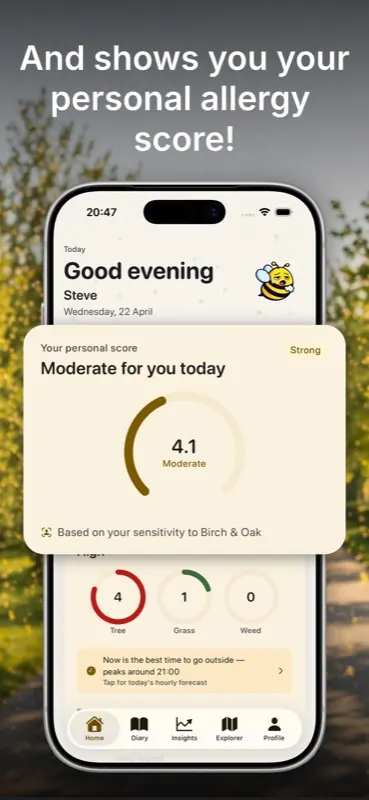
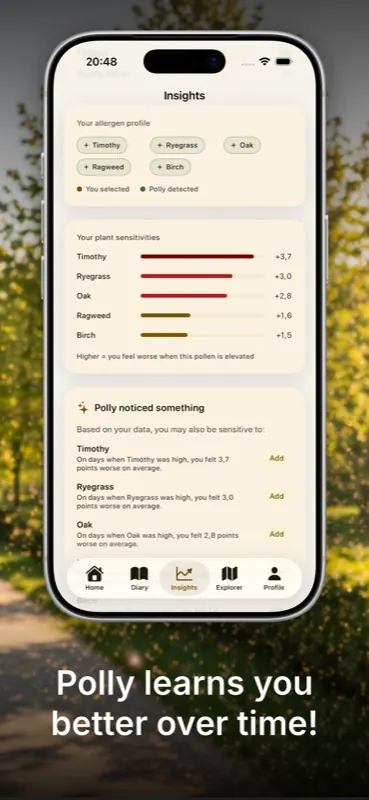
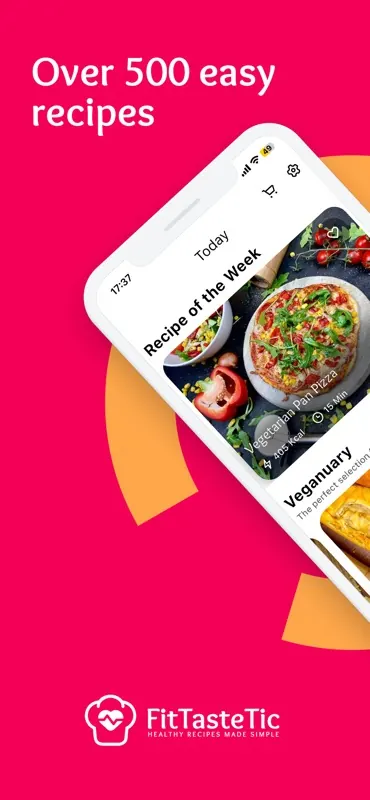
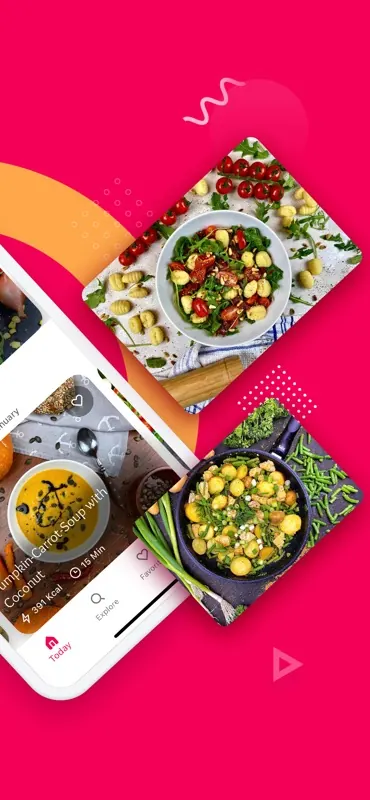
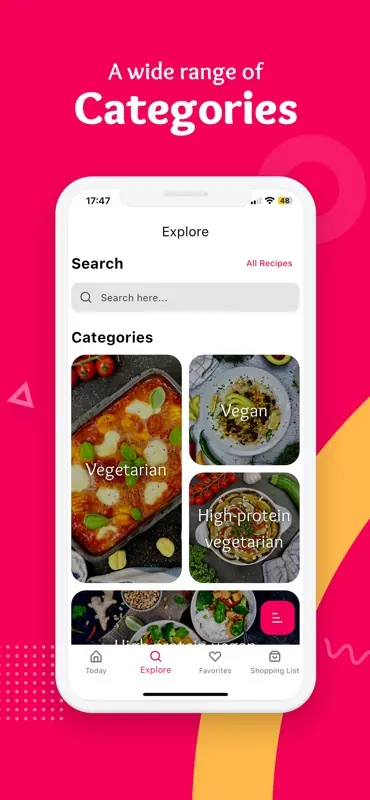
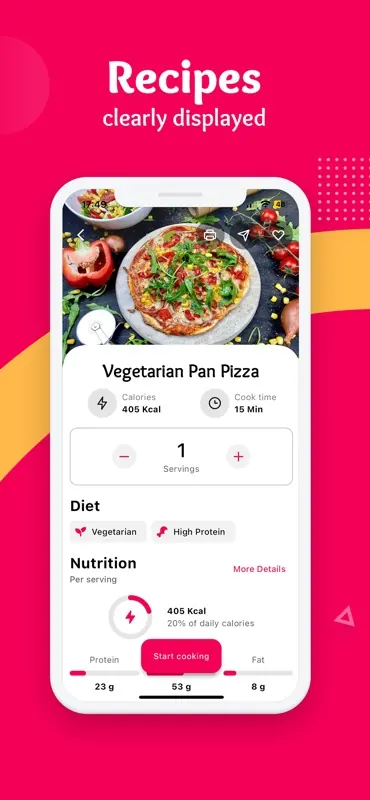
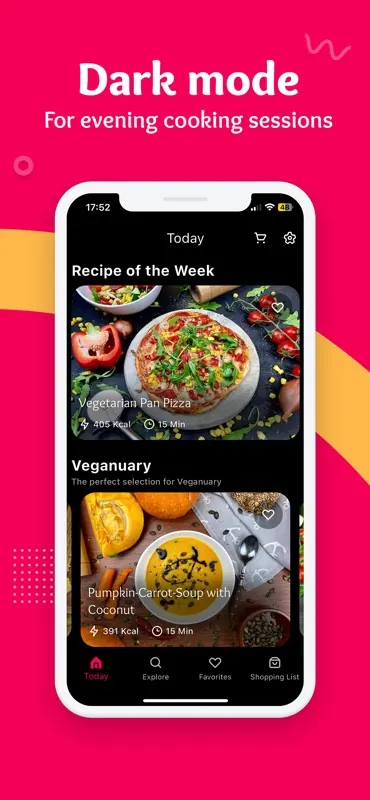
Real apps, real screenshots
Shipped with Lomio
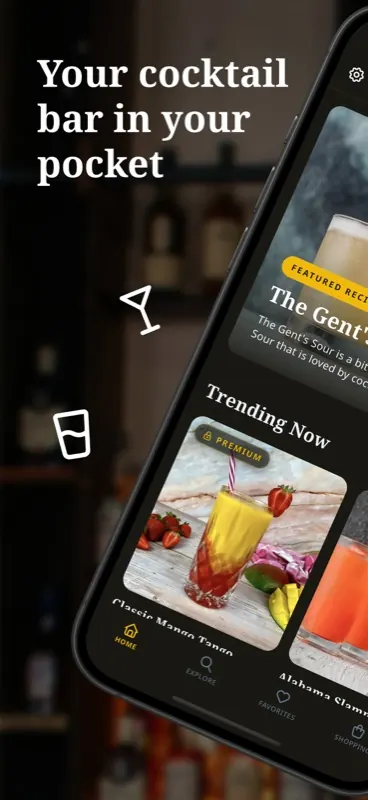
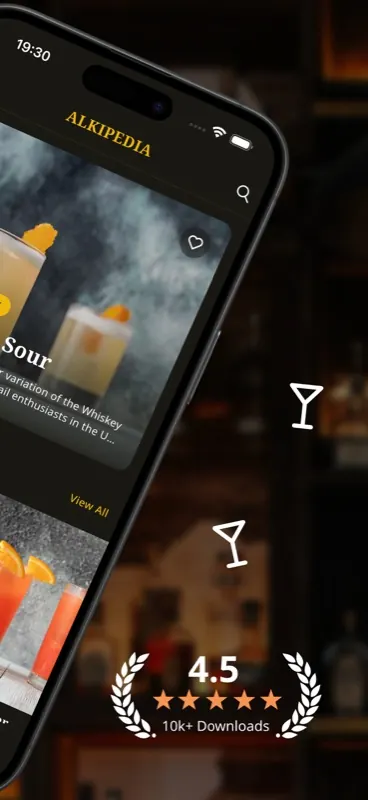
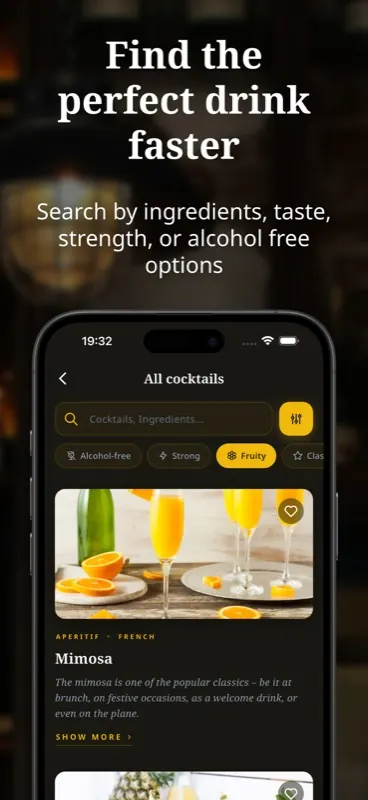
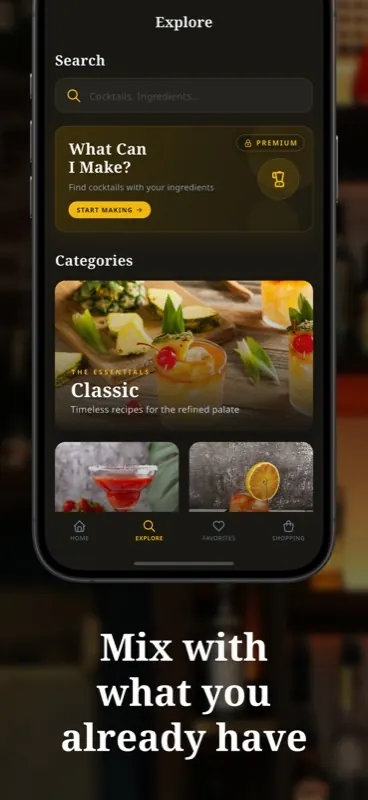

Built different from the ground up
Three features that make Lomio feel nothing like a traditional design tool.
One canvas. Screenshots side by side.
Forget separate artboards. In Lomio, every screenshot lives on the same canvas. Headlines, shapes, and illustrations can overlap between screens or stretch across the entire set.
Design cohesive stories, not isolated tiles. It is the same way you would sketch a sequence on a whiteboard, just faster.
Zoom in on the details that matter
A popout marks a region on the device, not a baked-in image. Switch languages, tweak text, or swap the screenshot and the popout updates itself. As long as the layout stays the same, you never rebuild it.
Rectangle or circle, custom borders and shadows, rotate freely. One source screenshot, any number of popouts.
Type once, ship in 20+ languages
Every text element stores translations for every language you add. Switch between them with a single click and the whole canvas updates instantly.
Export once and get a complete screenshot set for every language in your project. No duplicating frames, no copy-pasting text.
Everything you need
Professional screenshot tools without the complexity.
Device Frames
Official Apple bezels for iPhone & iPad. Your screenshots look exactly like the real device.
Templates
Start with professionally designed templates. Customize colors, text, and layout in seconds.
Multi-Language
Create screenshots in 20+ languages. Switch between translations with one click.
Illustrations & Icons
1400+ Lucide icons, 1600+ unDraw illustrations, and 3000+ brand icons built in.
Pexels Integration
Search and use millions of free stock photos directly inside the editor.
Export as JPG
Export all screenshots at full resolution, ready to upload to App Store Connect.
How it works
From screenshot to App Store in four simple steps.
Choose a template
Pick from professionally designed templates or start from scratch with a blank canvas.
Drop your screenshots
Import your app screenshots into device frames. Supports all iPhone and iPad sizes.
Customize everything
Add text, shapes, illustrations, and adjust colors. Switch languages with one click.
Export & upload
Export at full resolution and upload directly to App Store Connect or Google Play Console.
Stop wasting time in Figma
What used to take hours now takes minutes. Purpose-built for App Store screenshots.
Without Lomio
- Open Figma, create artboards for each device size
- Manually place and align screenshots
- Duplicate for each language, update text one by one
- Export each artboard individually
- Repeat when screenshots change
With Lomio
- Pick a template, screenshots are pre-sized
- Drag & drop screenshots into device frames
- Type once, switch languages instantly
- Export all screenshots with one click
- Update screenshots, everything adjusts
Simple pricing
Start free. Upgrade when you need more. Cancel anytime.
Free
Get started, no card needed
- Unlimited projects
- Editor + all device sizes
- All illustrations & icons
- Pexels integration
- Popouts
- Multi-language export
Yearly
Save 33% vs monthly
- Exclusive project templates
- Popouts
- Unlimited language export
- App Store Connect upload
- 1000 AI translations / month
- MCP Serversoon
- AI screenshot generationsoon
Lifetime
All permanent features
- Exclusive project templates
- Popouts
- Unlimited language export
- App Store Connect upload
Frequently asked questions
Does Lomio work offline?
Yes. The app runs fully locally on your Mac. No internet connection required for editing or exporting. Only Pexels search needs internet.
Can I use it for the Play Store?
Absolutely. While device frames are currently Apple-focused, you can create screenshots at any custom size for Android, Play Store, or any other platform.
What image formats are supported?
You can import PNG, JPG, JPEG, WebP, and SVG. Screenshots are exported as high-resolution JPGs.
Can I cancel my subscription?
Yes, anytime. If you cancel, you keep access until the end of your billing period. Lifetime purchases never expire.
Is there a Windows or Linux version?
Not yet, but both are planned. Currently Lomio is available for macOS only. Windows and Linux versions are coming soon.
Do I need design experience?
Not at all. Templates give you a professional starting point, and the editor is built to be intuitive for everyone.
What is the difference between Lifetime and subscriptions?
The Lifetime plan includes all offline features forever. Subscriptions additionally include cloud project sync and AI features once they launch.
Ready to ship faster?
Download Lomio and create your first App Store screenshot set in under 5 minutes.
Download for macOSRequires macOS 12 or later · Apple Silicon & Intel · Free 7-day trial
Windows & Linux coming soon